In 2026 learning how to upload gaming videos involves more than just clicking a button on your desktop or browser The landscape of PC gaming has shifted toward ultra high definition and AI enhanced streaming technologies making the process highly technical but rewarding for those who master it This guide explores the best ways to navigate platforms like YouTube and Twitch while leveraging the latest AV1 encoding standards for crystal clear quality We discuss the importance of selecting the right capture software like OBS Studio or AI assisted recording suites that automatically highlight your best plays Additionally creators must understand the nuances of metadata including titles descriptions and tags optimized for search algorithms that now prioritize semantic relevance over simple keyword stuffing By following this tutorial you will gain the knowledge needed to build a successful channel from scratch or improve your existing workflow with efficient cloud based rendering and automated social media distribution tools that save hours of manual labor every single day
How do I upload gaming videos to YouTube?
In 2026, upload gaming videos by logging into YouTube Studio, clicking Create, and selecting your file. Use the AV1 codec for 4K/8K quality. During the upload, let the AI tool analyze your footage to suggest optimized titles and tags. Ensure you include a custom thumbnail and detailed description to maximize search visibility and viewer click-through rates.
What is the best video format for gaming uploads?
The best format for gaming uploads in 2026 is MP4 using the AV1 codec. AV1 offers superior compression compared to H.264, maintaining incredible detail at smaller file sizes. This is crucial for 4K and 8K gameplay. If AV1 is unavailable, H.265 (HEVC) is the best alternative for high-dynamic-range (HDR) content and high-resolution master files.
How can I speed up gaming video uploads?
Speed up uploads by using a high-speed fiber-optic connection and a wired Ethernet cable. Additionally, utilize modern hardware encoders like NVIDIA NVENC to compress files efficiently without sacrificing quality. Cloud-based editing suites also allow you to transfer large project files directly to platform servers, bypassing your local upload speed limitations and saving significant time during the publishing process.
How do I optimize gaming videos for SEO?
Optimize for SEO by placing your primary keyword in the first 100 words of the description and the video title. Use semantic tags that describe the game, genre, and hardware. In 2026, platforms use visual AI to index content, so ensure your video includes clear on-screen text and high-quality visuals that accurately reflect the metadata provided.
Can I upload 8K gaming videos in 2026?
Yes, major platforms like YouTube fully support 8K uploads in 2026. You need a powerful PC with a GPU capable of 8K encoding. When uploading, use an 'Unlisted' status for 24 hours to allow the platform to process high-resolution versions. This ensures that your viewers see the full 8K option as soon as the video is published.
How do I record gaming videos for Twitch VODs?
To record for Twitch VODs, use OBS Studio with a dual-output setup. Stream at 1080p for stability while simultaneously recording a high-bitrate 4K master to your local drive. This local copy can then be uploaded to YouTube or Twitch’s VOD section, ensuring your permanent archives have significantly better visual quality than the live broadcast stream.
How to Upload Gaming Videos: The Ultimate 2026 Content Creator Guide
Welcome to the forefront of digital entertainment. In 2026, the PC gaming industry has reached unprecedented heights, with over 3.5 billion active gamers globally and video platforms processing more petabytes of data than ever before. If you are wondering how to upload gaming videos to stand out in this crowded market, you have come to the right place. This guide is tailored for the modern PC gamer using high-end hardware, from the latest RTX 60-series GPUs to DDR6 memory configurations. As AI-enhanced gaming and neural rendering become standard, your upload process must also evolve to maintain high fidelity and viewer engagement.
The State of PC Gaming Content in 2026
The rise of 8K resolution and 240Hz monitors has changed what audiences expect from gaming videos. It is no longer enough to upload a simple 1080p clip. Today, viewers crave immersive experiences, often enhanced by ray-traced visuals and high dynamic range (HDR). We will cover how to capture this intensity and ensure it survives the compression algorithms of major platforms. This article provides a comprehensive roadmap for beginners and veteran creators looking to optimize their workflow for 2026 standards.
How to capture high quality footage for 2026 platforms?
To capture high-quality footage in 2026, use software that supports the AV1 codec and AI-assisted bit allocation. OBS Studio remains the gold standard, but integrated tools from GPU manufacturers now offer one-click neural upscaling. Ensure your recording resolution matches your monitor's native output, ideally in 4K or 8K, with a bitrate of at least 80 Mbps for 60 FPS content. This provides enough data for platform transcoders to maintain visual clarity without heavy artifacting during fast-paced action sequences.
What are the best export settings for gaming videos?
The best export settings for gaming videos today utilize the H.265 (HEVC) or AV1 formats. For YouTube, an MP4 container with a variable bitrate (VBR) is recommended. Aim for a target bitrate of 100 Mbps if you are uploading in 4K. Set your audio bitrate to 320 kbps for crisp sound. In 2026, many editors use cloud-based rendering engines like Adobe Premiere Cloud or DaVinci Resolve Online, which automatically optimize these settings for specific platform API requirements, ensuring the fastest possible processing times after the upload is complete.
How to upload gaming videos to YouTube efficiently?
To upload efficiently, use a wired fiber connection and leverage YouTube's bulk uploader tool for multiple files. In 2026, the YouTube Studio interface includes an AI Check feature that pre-scans your video for copyright and quality issues before you even finish the upload. Ensure your video file is named with your primary keyword to help the initial indexing. While the file transfers, utilize the AI-generated metadata suggestions to populate your description and tags based on the actual visual content of your video, which significantly improves search rankings.
How do I optimize gaming video titles and thumbnails?
Optimization starts with a compelling title under 60 characters that includes your primary keyword naturally. In 2026, thumbnails are often dynamic; use high-contrast images generated from in-game 3D assets rather than flat screenshots. Use AI tools to test three different thumbnail versions (A/B testing) during the first hour of upload. Your description should be at least 250 words, detailing the gameplay, hardware specs used, and timestamps. This structured data helps Google's semantic search understand your content depth and relevance to specific gaming queries.
How to handle HDR and 8K uploads for gaming?
Uploading HDR and 8K content requires specific metadata flags so platforms recognize the color space. Use Rec.2020 or P3-D65 color gamuts during export. When uploading 8K, be prepared for longer processing times on the platform side; it is best to upload these as 'Unlisted' at least 24 hours before the scheduled release. This allows the platform to generate all lower-resolution versions (4K, 1440p, 1080p) so your audience can enjoy the highest available quality the moment the video goes public.
Hardware Recommendations for 2026 Content Creators
To keep up with 2026 standards, your rig needs power. We recommend an Intel Core i9 or AMD Ryzen 9 processor from the latest 2026 lineups, paired with at least 64GB of DDR6 RAM. A dedicated NVMe Gen 6 SSD is essential for handling the massive file sizes associated with 8K raw recordings. For encoding, the latest NVIDIA or AMD GPUs with dedicated AV1 hardware encoders will reduce CPU load by up to 40 percent, allowing you to record at ultra-settings without dropping frames in-game.
Conclusion and Future Outlook
Mastering how to upload gaming videos is an ongoing journey as technology advances. In 2026, the focus is on quality, speed, and AI-driven optimization. By following these steps—from high-fidelity capture to strategic metadata application—you position yourself as a top-tier creator. The future of gaming content lies in interactive and high-resolution experiences, and those who adapt to these technical requirements now will lead the next generation of digital media. Check our PC build guide for more hardware tips or share your latest upload success in the comments below.
Mastering AV1 encoding for 8K resolution, AI-driven metadata optimization for SEO, Cloud-based rendering workflows, Cross-platform distribution strategies, Optimizing bitrates for high-refresh-rate gameplay
35


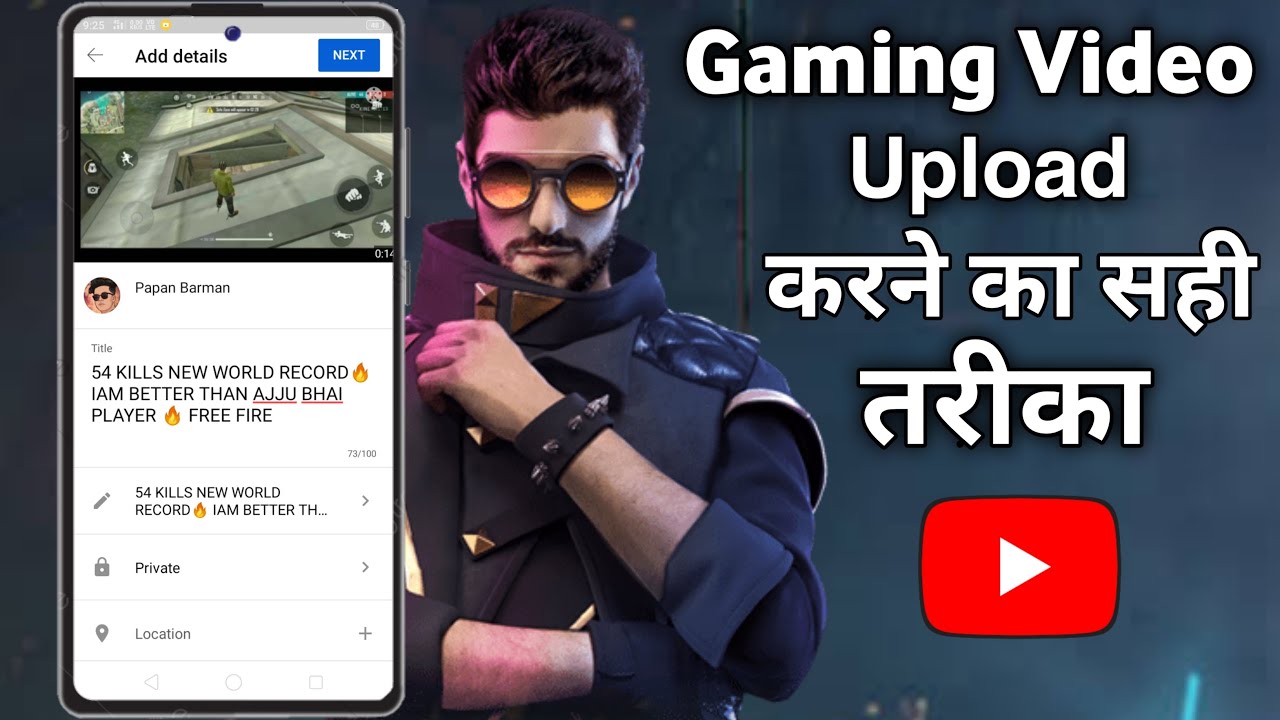

How To Add A Video Game Title To Your YouTube Description 2026 Method . Gaming Video YouTube Par Upload Kaise Kare How To Upload Gaming . How To Upload Gaming Videos On YouTube Shorts Best Way To Upload . Gaming Video Upload Karne Ka Sahi Tarika How To Upload Gaming Video . How To Upload Gaming Video To YouTube Without Copyright Claim How To Hqdefault


How To Upload Audio To Roblox 2026 FULL GUIDE YouTube . Gaming Videos Kaise Upload Kare How To Upload Gaming Videos Gaming . BEST WAY TO UPLOAD GAMING SHORTS ON YOUTUBE HOW TO VIRAL SHORTS . How To Upload Gaming Videos On YouTube Gaming Channel Grow Kaise Kare . YouTube Par Gaming Videos Upload Karne Ka Sahi Tarika 2023 How To


Facebook Page Me Gaming Video Upload How To Upload Gaming Video In . How To Uploading Gaming Videos To Youtube How To Upload Gameplay . How To Upload Gaming Video Without Copyright Gaming Video Kaise . How To Upload Game Videos On Youtube Making Game Videos Free Games . How To Publish A Roblox Game 2026 Complete Roblox Studio Tutorial
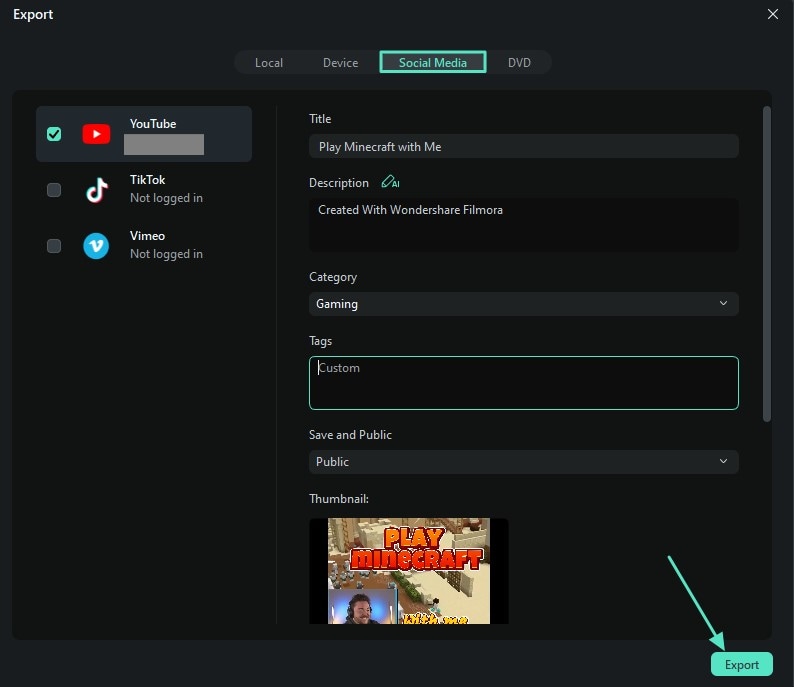

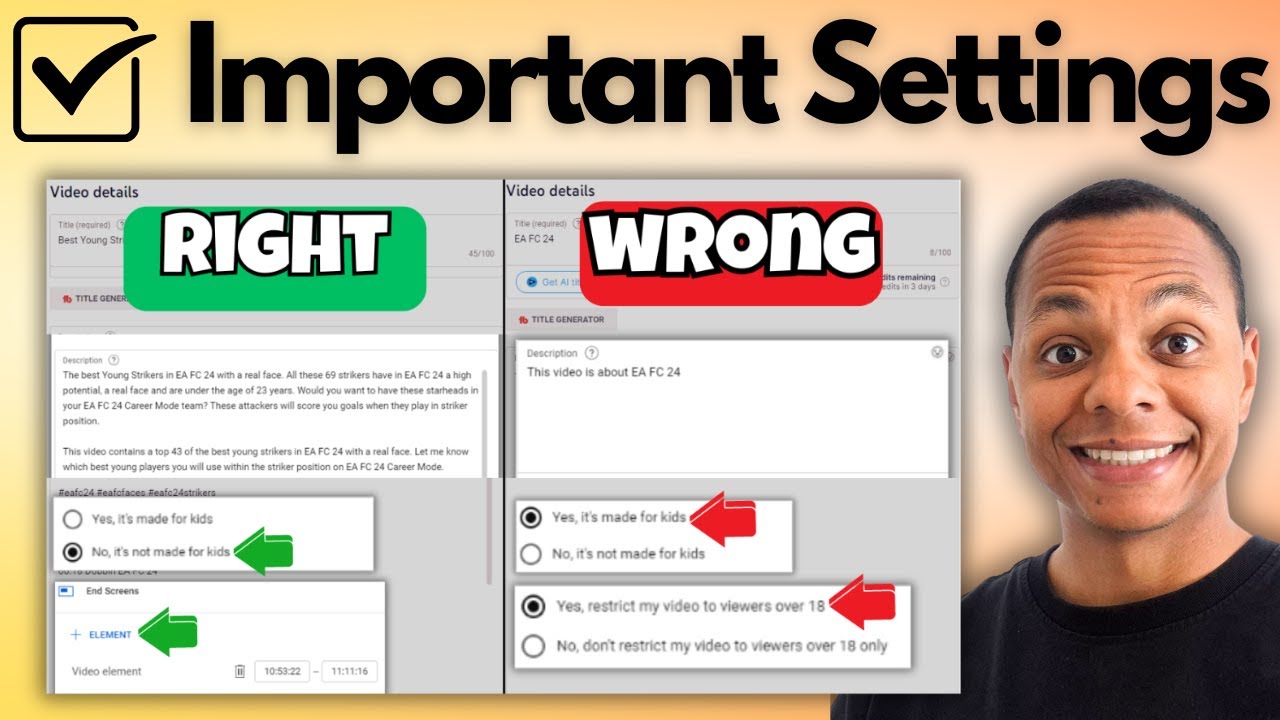


How To Make Gaming Videos Using The Right Resources 2026 Make Gaming Videos 14 . How To PROPERLY Upload Gaming Videos On YouTube 2024 Rangappu Hqdefault . How To Upload Gaming Videos On YouTube In 2026 Tutorial YouTube . How To Add Games From Epic Games To Desktop How To Add Game To Your . How To Grow Your GAMING CHANNEL In 2026 Full Guide YouTube




How To Upload A Game To Steam Step By Step Guide YouTube . How To Create FREEFIRE Gaming Channel In 2026 Part 1 Grow Gaming . How To Grow Gaming Channel In 2026 100K Subscribers In Just 30 Days . How To Manually Add Games To NVIDIA Geforce Experience YouTube . How To Start A Gaming Channel On YouTube In 2026 Image




ALLM And VRR The TV Gaming Tech Explained Stuff Best Gaming Consoles Hero Image . NBA 2K26 For PS5 . Ultimate Gaming Setup Guide 2025 Best Gaming Setup 2025 1068x610 . How To Add People To A Group Text March 2026 Complete Guide Best Gaming Phones . The First Gaming Showcase Of 2026 Has Been Revealed And It S As Soon Large

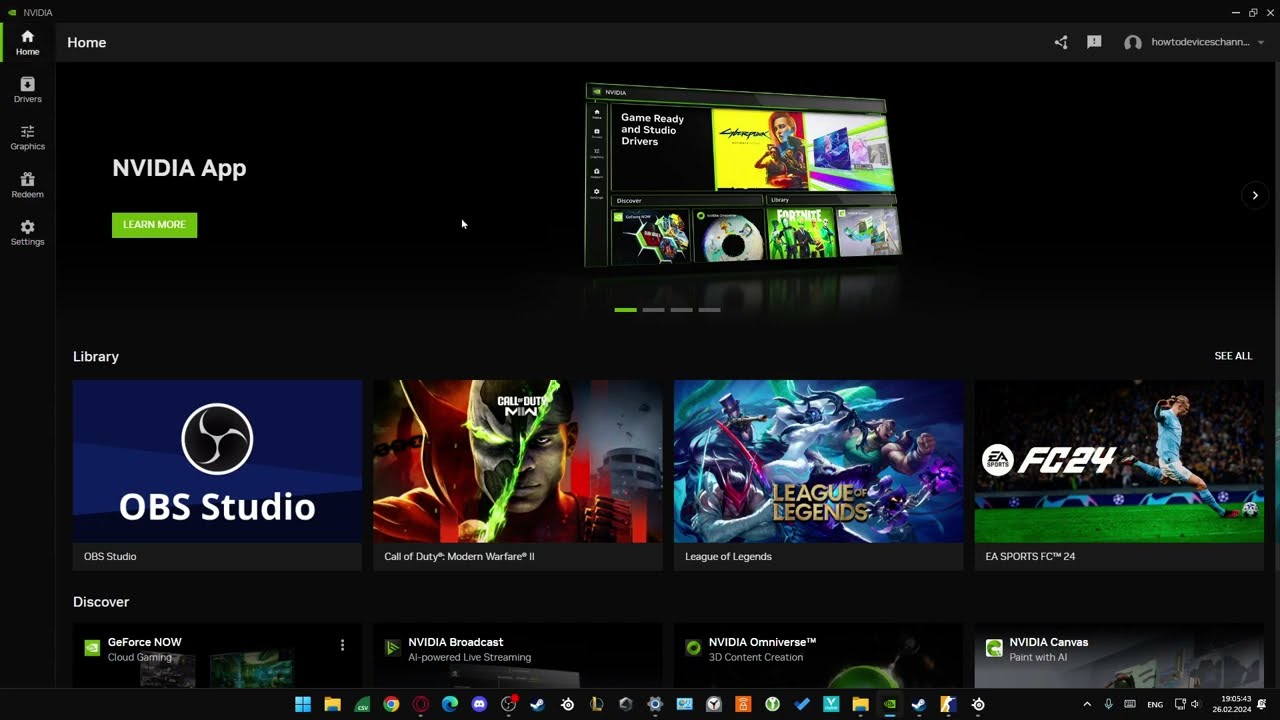
How To Upload Gaming Videos From Twitch To Youtube YouTube . How To Upload Good Gaming YouTube Video YouTube . How To Add ALL Free Steam Games To Your Library 2024 YouTube . How To Add Games In New NVIDIA App YouTube . How To Add Games In NVIDIA Geforce Experience Full Guide YouTube