Navigating the world of gaming on a Mac has seen a monumental shift in 2026. Forget the old stereotypes because Apple Silicon has truly revolutionized what is possible transforming Macs from creative powerhouses into surprisingly capable gaming machines. This comprehensive guide dives deep into whether a Mac is good for gaming right now addressing common gamer pain points and highlighting the incredible strides made by Apple in optimizing hardware and software for a smoother more immersive gaming experience. We explore native titles game streaming emulation and practical tips to maximize performance ensuring you can balance your work and play seamlessly. Discover how Macs are fitting into the modern gaming landscape where cross-play social connectivity and diverse game libraries are paramount. Whether you are a casual player or someone looking for serious gaming on your sleek Apple device this resource is packed with actionable insights to help you decide if a Mac fits your gaming needs.
Is a Mac Good for Gaming in 2026?
Yes, absolutely! Thanks to Apple Silicon (M1, M2, M3 chips), Macs have transformed into surprisingly capable gaming machines, especially for native titles, indie hits, and game streaming. While not always a direct rival to high-end Windows PCs for every single AAA release, the Mac gaming landscape is better than ever, making it a viable option for many gamers today.
What Mac models are best for gaming?
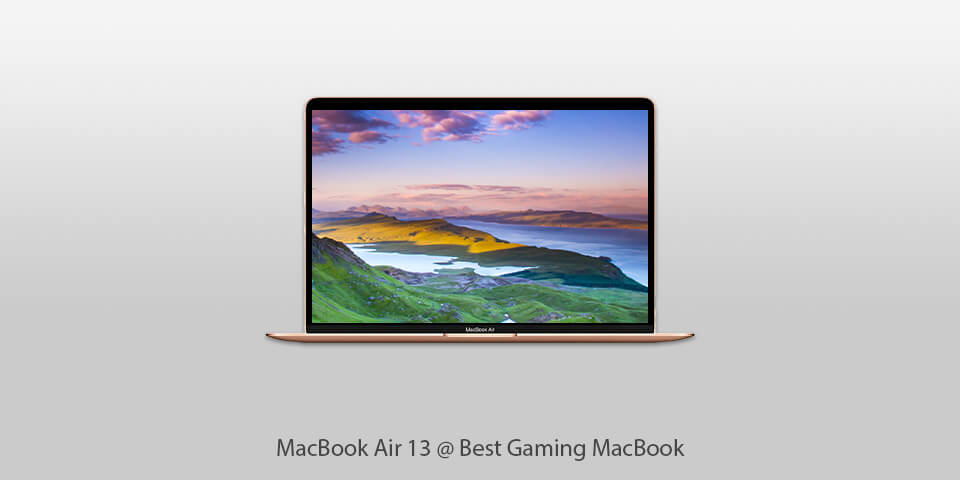
For the best gaming experience, focus on Macs with M-series chips, particularly the M1, M2, or M3 Pro or Max variants. These chips offer significantly enhanced GPU performance and unified memory, crucial for smooth gameplay. MacBook Pro and Mac Studio models with these chips provide the most power, but even a MacBook Air can handle many popular titles surprisingly well.
Can I play Windows-only games on my Mac?
Yes, you can! You have several options: Apple's Game Porting Toolkit allows many DirectX 12 games to run surprisingly well. Virtualization software like Parallels Desktop enables you to install Windows and play games within macOS. Alternatively, game streaming services like GeForce NOW or Xbox Cloud Gaming let you play Windows games directly through your browser, leveraging powerful cloud hardware.
How do I improve gaming performance on my Mac?
To boost performance, always ensure macOS is updated to the latest version and close unnecessary background applications. Use Game Mode (macOS Ventura and later) to prioritize gaming resources. Adjust in-game graphic settings to a balance of visual quality and smooth frame rates. Also, connecting to a stable internet for streaming or having ample storage for native installs helps immensely.
What are the biggest challenges for Mac gamers?
The primary challenge remains game availability. While improving, not every new AAA title gets a native Mac port. Anti-cheat compatibility for some competitive games can also be an issue, though this is becoming less frequent. Mac gamers also need to be mindful that even powerful Macs may not match the raw, top-tier GPU power of dedicated, high-end Windows gaming rigs for ultra-settings on the most demanding games.
Is Mac gaming expensive compared to PC gaming?
An entry-level Mac can be more expensive than an entry-level Windows PC built purely for gaming. However, if you already own a Mac for work or creative tasks, leveraging it for gaming is highly cost-effective, as you're not buying a separate machine. Considering game streaming services, a Mac can be a very budget-friendly way to access high-end games without a massive upfront investment in hardware.
What types of games are best suited for Mac gaming?
Macs excel with native ports like "Baldur's Gate 3," "Resident Evil Village," and "No Man's Sky." They are also fantastic for indie games, social games, cozy titles, and esports staples like "Dota 2" and "Counter-Strike 2." Game streaming expands the library to virtually any AAA title. Modern Macs handle a wide variety of gaming experiences very well, making the question "is a Mac good for gaming" increasingly versatile.
Hey fellow gamers! Ever find yourself scrolling through Discord, seeing friends dive into the latest AAA titles, and then glance at your sleek Mac, wondering, “Can this thing even handle solitaire anymore?” You’re not alone. For years, the phrase “Mac gaming” often drew chuckles or shrugs. But in 2026, that narrative is getting a serious rewrite. The gaming world is more diverse than ever, with over 87% of US adults considering themselves gamers, often spending 10+ hours a week unwinding with their favorite titles. Mobile gaming is massive, social play reigns supreme, and the line between work and play devices is blurring. So, is a Mac good for gaming in this new era? Let’s find out.
Is a Mac Good for Gaming in 2026?
Absolutely, yes, but with important nuances. The short answer is: Macs have become significantly better for gaming, especially with the advent of Apple Silicon chips (M1, M2, M3, and beyond). They are not a direct replacement for high-end Windows gaming PCs or dedicated consoles for every single new release, but for a substantial and growing library of games, Macs offer a surprisingly smooth and enjoyable experience. This month, we've seen a surge in native Mac ports and incredible performance gains, making the question "is a Mac good for gaming" increasingly positive.
Why Has Mac Gaming Changed So Much?
The biggest game-changer is Apple Silicon. Previously, Macs relied on Intel processors, which often struggled with the thermal and graphical demands of modern games. Apple Silicon chips, with their unified memory architecture and powerful integrated GPUs, are designed from the ground up to be incredibly efficient and performant. This has opened the door for developers to create native Mac versions of popular titles, something that was less common in the Intel era. Additionally, advancements in game porting tools and Apple's own Game Porting Toolkit have significantly lowered the barrier for developers to bring their titles to macOS, directly addressing why many struggled to see Macs as gaming machines.
Who Should Consider a Mac for Gaming?
Creative Professionals Who Also Game: If your primary workflow involves video editing, graphic design, or music production, a Mac is already an indispensable tool. The improved gaming capabilities mean you no longer need a separate Windows machine just for unwinding.
Casual & Social Gamers: For those who enjoy popular social titles, indie games, cozy games, or even some mid-range AAA experiences, a Mac is more than capable. This month, titles like "Palworld" and "Helldivers 2" have highlighted the desire for accessible social gaming experiences, which Macs are increasingly catering to.
Gamers Interested in Game Streaming: Services like Xbox Cloud Gaming, GeForce NOW, and Amazon Luna run exceptionally well on Macs, turning virtually any M-series Mac into a high-end gaming rig through the cloud, making the question "is a Mac good for gaming" almost irrelevant for streaming titles.
Those Who Value Portability and Battery Life: MacBook Air and MacBook Pro models offer incredible performance per watt, meaning you can game on the go for hours without being tethered to an outlet, a major plus for busy adults balancing life and play.
What Kinds of Games Can You Play on a Mac?
The landscape is diverse:
Native macOS Games: A growing library of titles optimized for Apple Silicon. Think "Baldur's Gate 3," "Resident Evil Village," "No Man's Sky," "Death Stranding," "Lies of P," and many indie darlings. These offer the best performance.
Game Streaming Services: Access to hundreds of AAA games without needing powerful local hardware. You're effectively streaming the game from a remote server. This is a fantastic option for playing games not natively available on macOS.
Emulation: For retro game enthusiasts, powerful emulators like OpenEmu or those run through Parallels can bring classic console experiences to your Mac.
Windows Games via Emulation/Virtualization: Tools like Parallels Desktop can run Windows on your Mac, allowing you to install and play many Windows-exclusive games. While not as performant as native ports, it's a viable option for many titles. Apple's Game Porting Toolkit also allows some Windows DirectX 12 games to run surprisingly well.
How Do Apple Silicon Macs Compare to Gaming PCs?
When it comes to raw GPU power for cutting-edge AAA titles at maximum settings, a dedicated Windows gaming PC with a high-end discrete graphics card (like an NVIDIA RTX 4080 or AMD RX 7900 XTX) will generally outperform an Apple Silicon Mac. However, this is changing. M3 Max chips, for example, offer GPU performance that competes favorably with mid-to-high-end discrete laptop GPUs. For many popular games, especially those optimized for Apple Silicon, the performance is excellent, often achieving smooth frame rates at high resolutions.
Where Can You Find Games for Mac?
Finding games for your Mac is easier than ever:
Steam: The largest PC game distribution platform has a robust macOS section. Many developers release Mac versions of their games directly on Steam.
Apple App Store: A growing number of games, including some AAA titles, are available directly through the Mac App Store, optimized for macOS.
Epic Games Store: Another major storefront that offers a selection of macOS-compatible games.
GOG.com (Good Old Games): Great for DRM-free classic and modern games, many with Mac versions.
Game Streaming Services: Subscribe to GeForce NOW, Xbox Cloud Gaming (via browser), or Amazon Luna to access their libraries.
Developer Websites: Some smaller indie developers sell their games directly.
What About Peripherals and Accessories for Mac Gaming?
Gaming on a Mac doesn't mean sacrificing comfort or precision:
Controllers: Most modern Bluetooth controllers (Xbox Wireless Controller, PlayStation DualSense/DualShock 4, Nintendo Switch Pro Controller) pair seamlessly with macOS. Wired USB controllers also work.
Mice & Keyboards: You can use any standard USB or Bluetooth gaming mouse and keyboard. Many popular brands offer macOS compatible software for customization.
Headsets: USB or 3.5mm headsets are plug-and-play. Bluetooth headsets also connect easily, perfect for Discord chats while gaming. Social gaming, as observed this month, heavily relies on clear communication.
Monitors: Macs support a wide range of external monitors, including high-refresh-rate gaming displays, giving you the visual edge.
How to Optimize Your Mac for the Best Gaming Performance?
Even with powerful Apple Silicon, a few tweaks can make a big difference:
Update macOS: Always keep your operating system updated to the latest version. Apple frequently releases performance improvements and graphics driver updates.
Close Unnecessary Apps: Before launching a game, quit any demanding background applications like video editors, browsers with many tabs, or virtual machines.
Adjust In-Game Settings: Experiment with graphics settings. Lowering resolution, texture quality, or disabling demanding effects like ray tracing can significantly boost frame rates without severely impacting visual fidelity.
Use Game Mode: macOS Ventura introduced Game Mode, which automatically prioritizes CPU and GPU resources for gaming and reduces background activity and Bluetooth latency. Ensure it's active.
Manage Storage: Ensure you have ample free storage space. macOS and games perform better on drives that aren't nearly full.
Keep it Cool: While Apple Silicon is efficient, prolonged gaming can still generate heat. Ensure your Mac has good airflow and consider a laptop stand for MacBooks.
Connect Peripherals Directly: For critical peripherals like mice or external drives for games, use a direct USB-C connection if possible, rather than relying solely on a hub, to minimize potential latency.
Can I Play Competitive Multiplayer Games on a Mac?
Yes, for many titles. While some anti-cheat systems have historically been problematic for macOS, more and more developers are ensuring compatibility. For games with native macOS clients (like "Dota 2," "Counter-Strike 2"), you can play competitively. For streaming services, your competitive edge depends more on your internet connection than your Mac's hardware. With 87% of gamers participating in some form of online multiplayer, competitive gaming on Mac is a growing reality, directly impacting whether a Mac is good for gaming for a vast majority.
What About Budget-Friendly Mac Gaming Options?
The MacBook Air with an M1 or M2 chip, or even a base model Mac mini, offers incredible value for gaming. These machines, often available refurbished or on sale, provide excellent performance for their price, especially for native titles and game streaming. Free-to-play games are also abundant on macOS, offering endless entertainment without upfront costs.
Will My Older Intel Mac Work for Gaming?
If you have an older Intel-based Mac, your options are more limited. You can still play many older titles and less graphically intensive games. For more modern games, using Boot Camp to install Windows provides the best performance, as most games are optimized for Windows directly. However, Apple no longer supports Boot Camp on Apple Silicon Macs, making it a legacy solution for Intel models only. For Intel Macs, the question "is a Mac good for gaming" is often answered with "it depends on the game and if you run Windows."
Is VR Gaming Possible on a Mac?
Currently, native VR gaming on macOS is very limited. Most mainstream VR headsets and experiences are designed for Windows PCs or dedicated VR platforms. While some experimental projects exist, for serious VR, a Mac is not yet the primary platform. However, the future could see changes as Apple explores mixed reality with devices like the Vision Pro, potentially opening new avenues for immersive experiences that might interact with the Mac ecosystem.
The Future of Mac Gaming: What's Next?
The trajectory for Mac gaming is undeniably upward. With each new generation of Apple Silicon, performance improves dramatically. Apple's commitment to developers through tools like the Game Porting Toolkit and dedicated gaming features in macOS signals a long-term strategy. Expect to see more AAA titles ported, further optimization, and potentially even Apple-specific gaming innovations. The question "is a Mac good for gaming" will likely become an emphatic "yes" for an even wider range of users.
FAQ: Deep Diving into Mac Gaming
Who benefits most from the Game Porting Toolkit?
The Game Porting Toolkit primarily benefits developers, making it much easier and faster to bring their existing Windows DirectX 12 games to macOS. For gamers, this means a wider selection of modern titles will become available on Mac, significantly enhancing the gaming library and directly answering whether a Mac is good for gaming for new releases.
Why do some games run better through Parallels than others?
Game performance in Parallels Desktop on a Mac depends on several factors: the game's age (older games often run better), its reliance on specific DirectX versions (newer versions can be challenging), and how well Parallels translates graphics commands to Apple Silicon. Light-to-moderate games usually perform well, but graphically intensive AAA titles might struggle or require lower settings.
Where can I find Mac-specific gaming communities?
You can find Mac gaming communities on Reddit (r/macgaming, r/AppleGaming), Discord servers dedicated to specific Mac-friendly games, and forums on Mac-focused tech websites. These communities are excellent for finding game recommendations, troubleshooting, and staying updated on the latest Mac gaming news and trends, proving that the question "is a Mac good for gaming" includes a strong social aspect.
Is it worth buying a Mac just for gaming?
Generally, no, not *just* for gaming if your primary goal is to play every single bleeding-edge AAA title at max settings. A dedicated Windows gaming PC still offers more raw power per dollar for that specific purpose. However, if you already own a Mac for work/creativity, or if you prefer the macOS ecosystem and enjoy the increasing library of games and streaming options, then a Mac provides excellent supplementary gaming capabilities.
When should I use a game streaming service versus installing a game natively?
Use a game streaming service when a game isn't available natively on macOS, your internet connection is fast and stable (50 Mbps minimum), or your Mac's hardware isn't powerful enough for a native port. Install games natively when they are available, as native versions generally offer lower latency, better graphics control, and don't rely on your internet bandwidth, giving you the best local experience if a Mac is good for gaming in that instance.
How does unified memory impact gaming performance on Apple Silicon?
Unified memory allows the CPU and GPU to access the same pool of high-bandwidth memory directly and efficiently, reducing latency and bottlenecks. This means the GPU can get data faster, leading to smoother frame rates and better performance, especially in games that are memory-intensive. It's a key reason why Apple Silicon Macs punch above their weight in graphics tasks.
Are free-to-play games popular on Mac?
Yes, very popular! Many of the biggest free-to-play titles like "Dota 2," "League of Legends" (via unofficial clients or streaming), "Fortnite" (via cloud streaming like GeForce NOW), and numerous indie F2P games are available and widely played on Mac. They offer an accessible entry point to Mac gaming without an initial investment, a relevant trend this month as players explore budget-friendly options.
What are the best settings for playing older games on a modern Mac?
For older games, you often don't need to push your Mac's limits. Start with the game's default settings and then gradually increase resolution or graphical fidelity until you find a smooth frame rate. For very old titles, you might even need to use compatibility modes or wrappers to get them running correctly on modern macOS, a common query for "is a Mac good for gaming retro style."
Mac Gaming Evolution Apple Silicon Performance Native Games Streaming Options Emulation Solutions Bootcamp Intel Macs Peripherals Social Gaming Trends Budget Friendly Gaming Mobile Crossplay Integration Stress Relief Gaming
35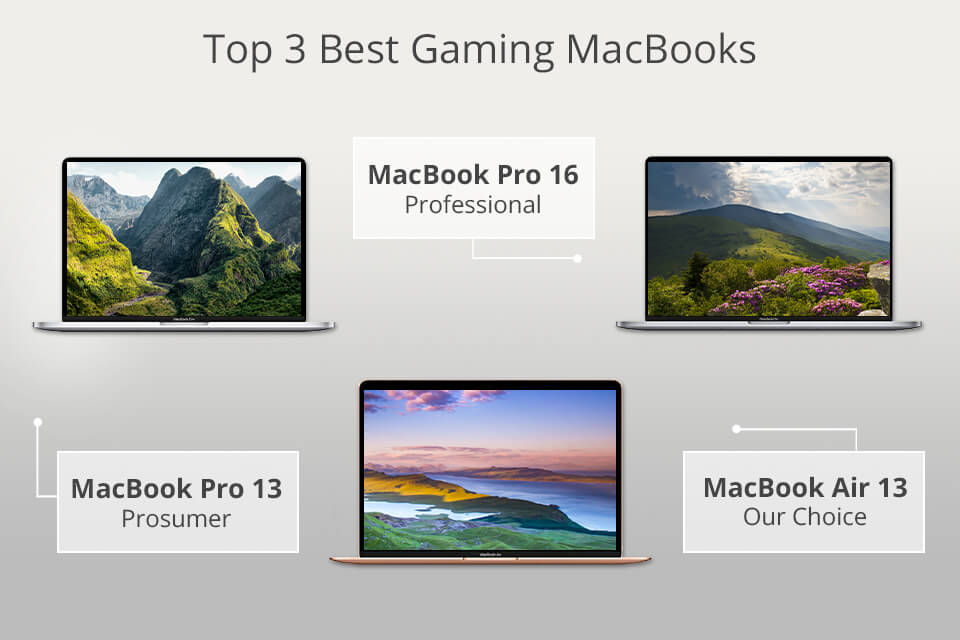


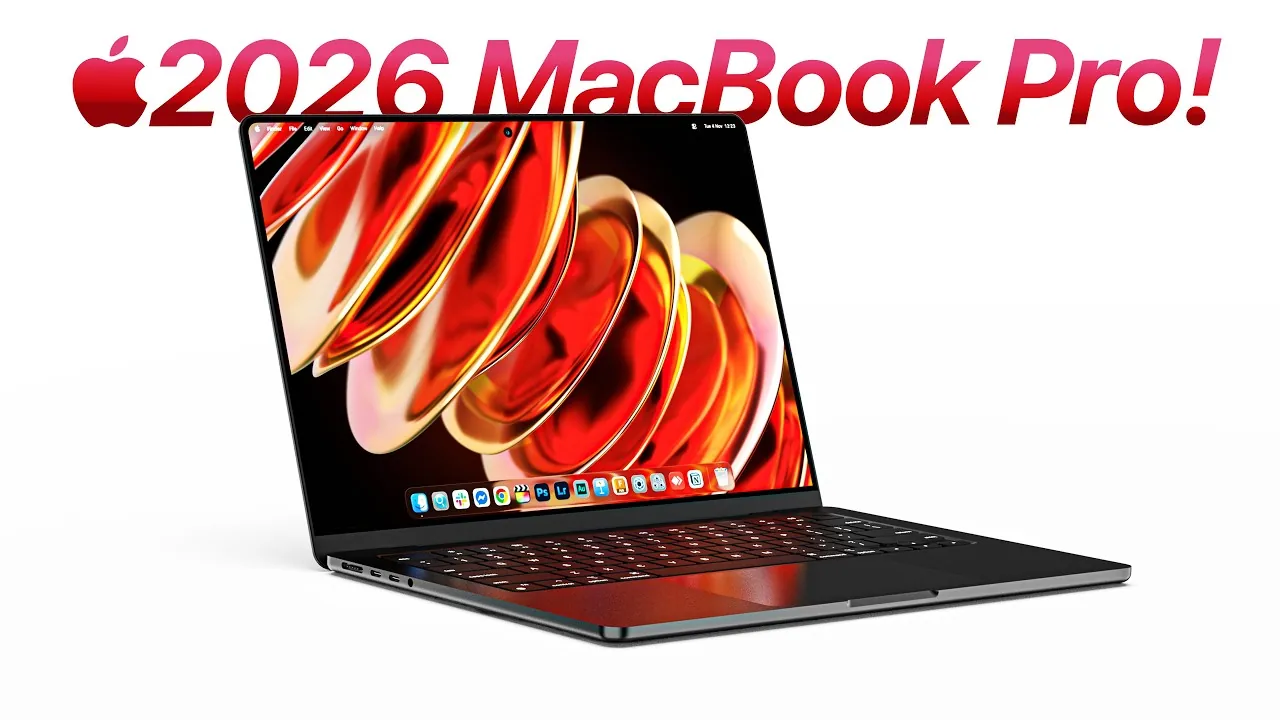
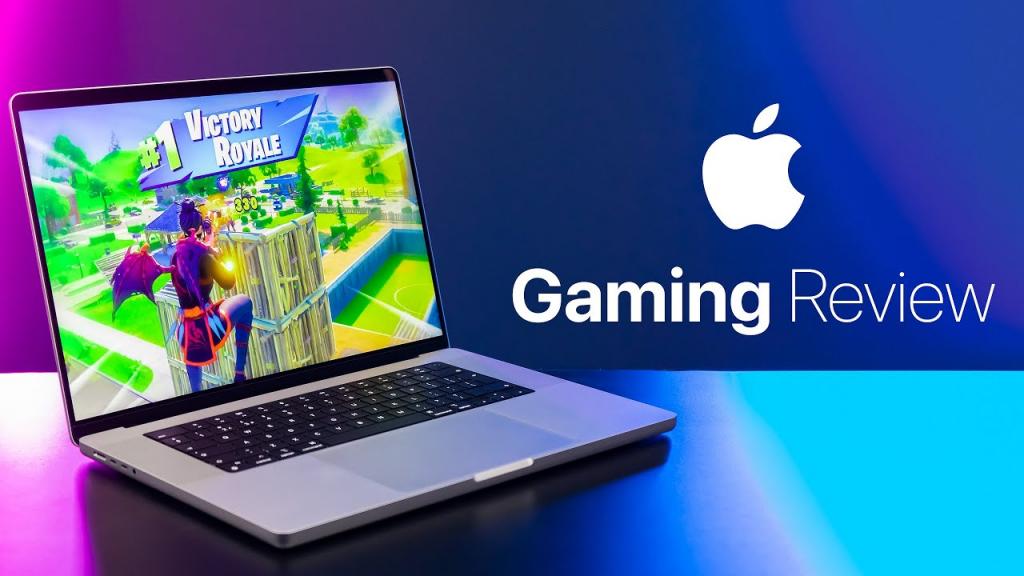
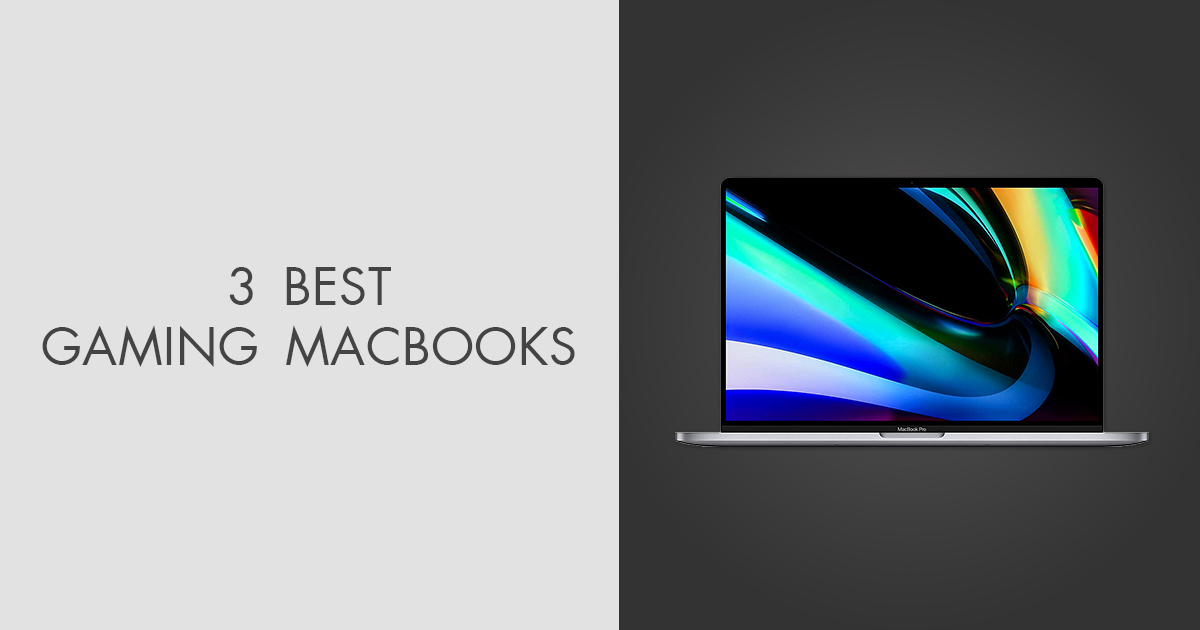
3 Best Gaming MacBooks In 2026 Best Gaming Macbook . Apple M2 Pro And M2 Max Graphics Tested Does Mac Gaming Get A Big 7.fit Lim.size . The Best Mac For Gaming In 2024 A Review Of The Best Mac The Best Mac For Gaming In 2024 A Review Of The Best Mac Devices For Gamers . Apple S 2026 MacBook Pro Everything You Need To Know Geeky Gadgets Macbook Pro 2026 Oled Display. Mac Good For Gaming Update 06 2026 Mac Good For Gaming Img
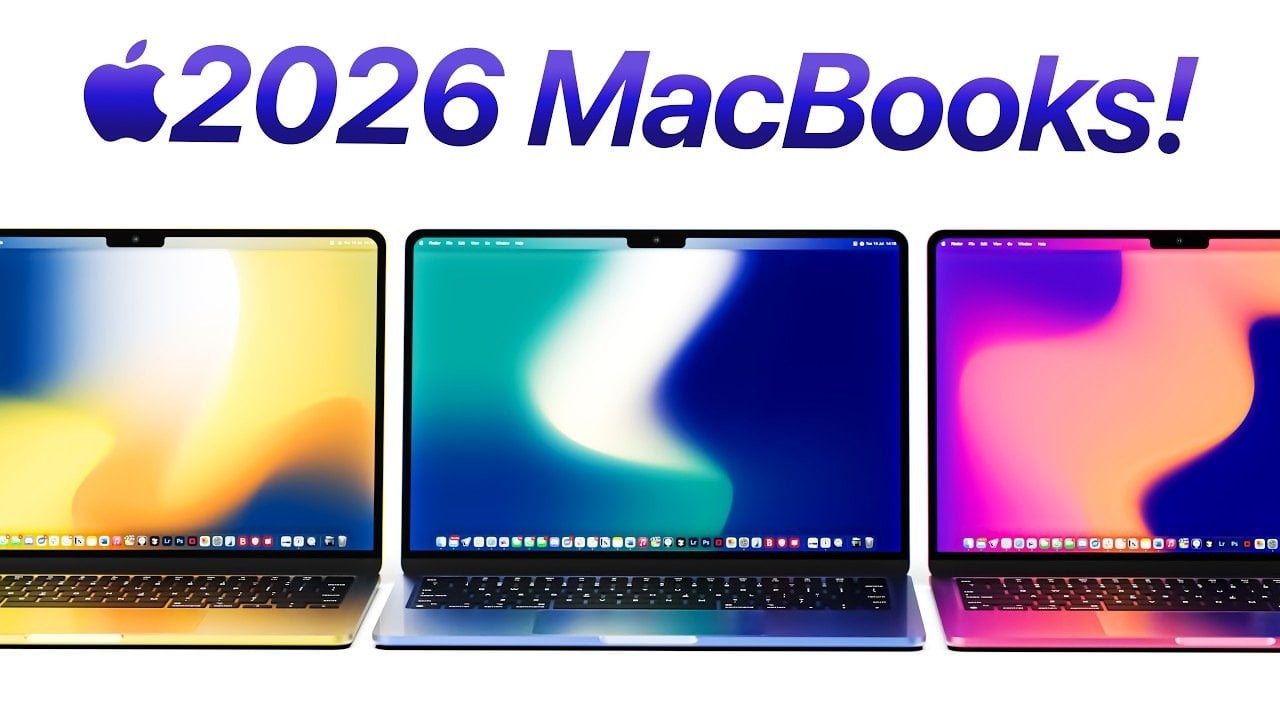
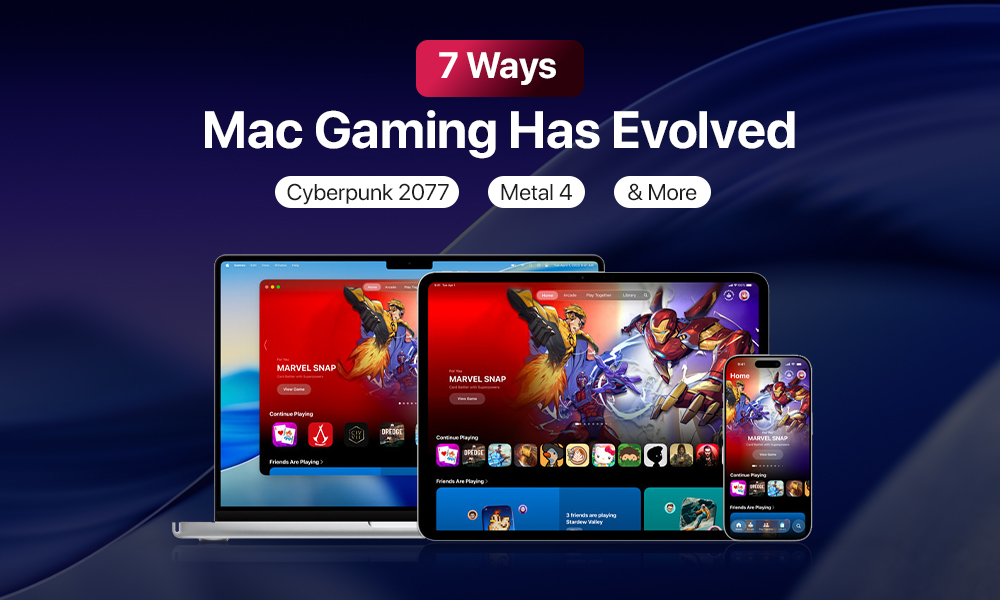
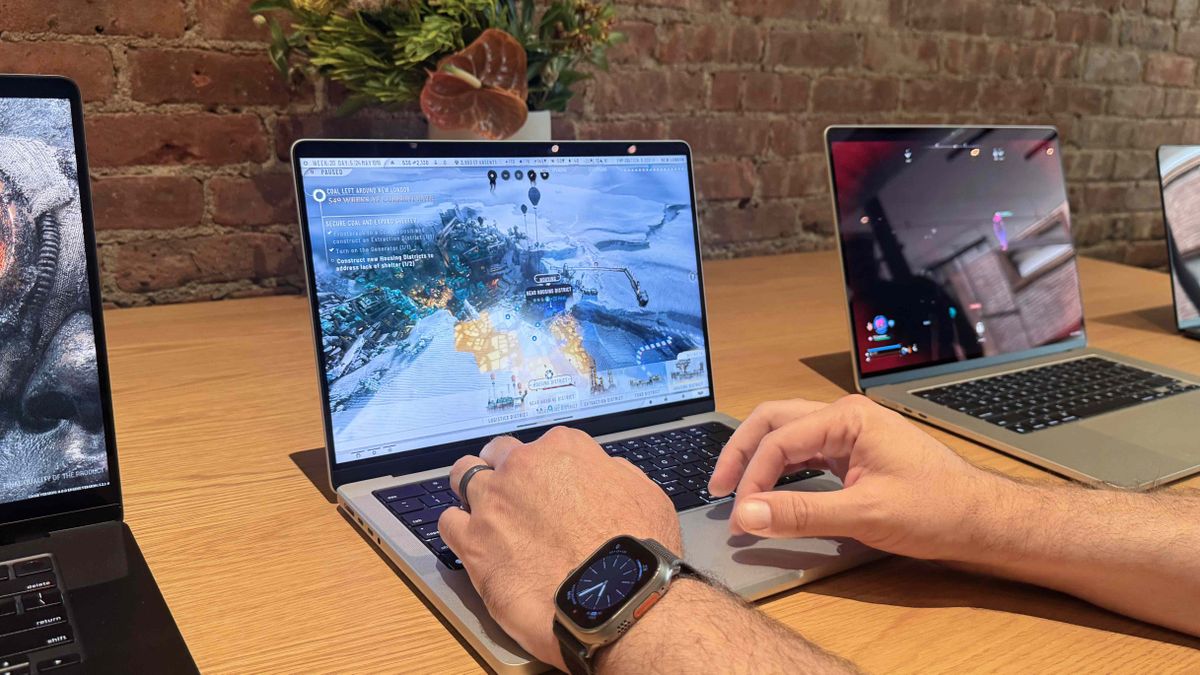

Apple 2026 MacBook Lineup Budget M5 Air And OLED Pro Geeky Gadgets Apple 2026 Macbook Lineup Budget To Oled Optimized . 3 Best Gaming MacBooks In 2026 News Fb Image 4929 . 7 Ways Mac Gaming Has Changed In 2026 A Complete Guide 7 Ways Mac Gaming Has Evolved In 2025 Cyberpunk 2077 Metal 4 More . How Apple Is Shaping The Future Of Mac Gaming With Advanced Chips And 1200 80 . Is MacBook Good For Gaming A MacBook Gaming Guide Is MacBook Good For Gaming Featured Image
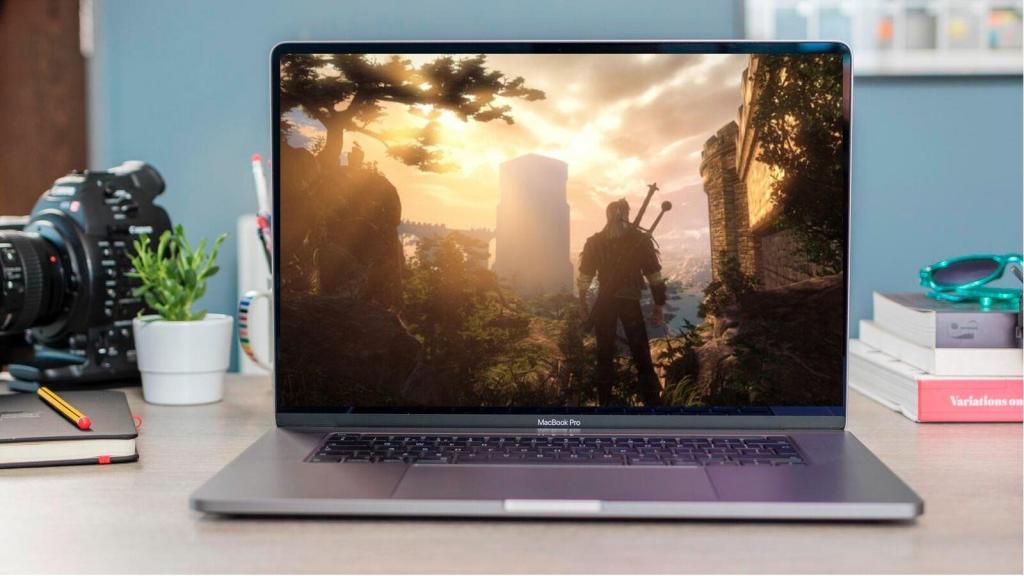


Mac Good For Gaming Update 06 2026 Mac Good For Gaming Img . What To Expect From Apple S 2026 MacBook Lineup Geeky Gadgets Macbook Air 2026 M5 Chip Ai. Which Mac Laptop Is Best For Gaming At Charles Casale Blog Mac For Gaming . IMac Pro 2026 Specs Features And Release Date Revealed Geeky Gadgets M5 Mac Pro . Best Mac Or MacBook For Gaming Macworld Apple Gaming
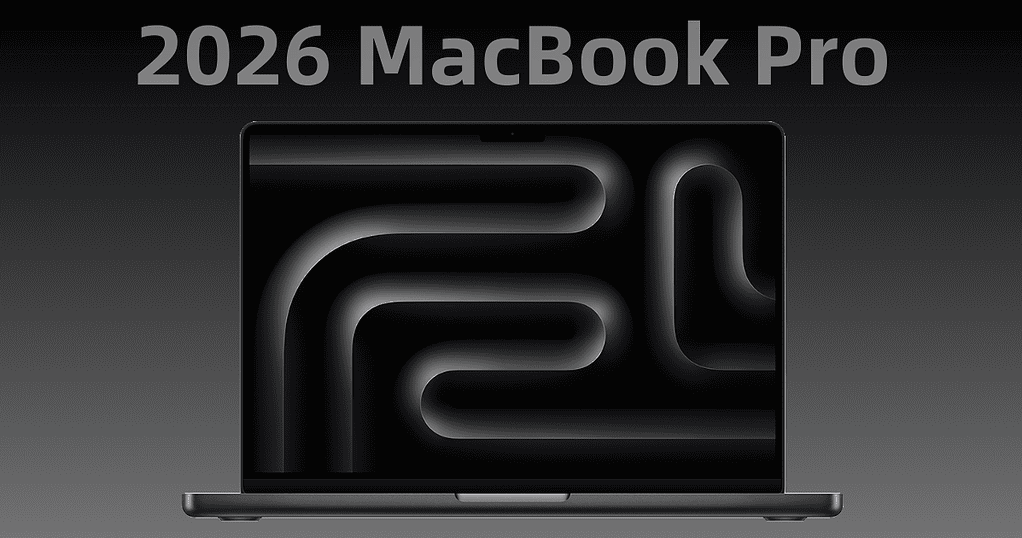

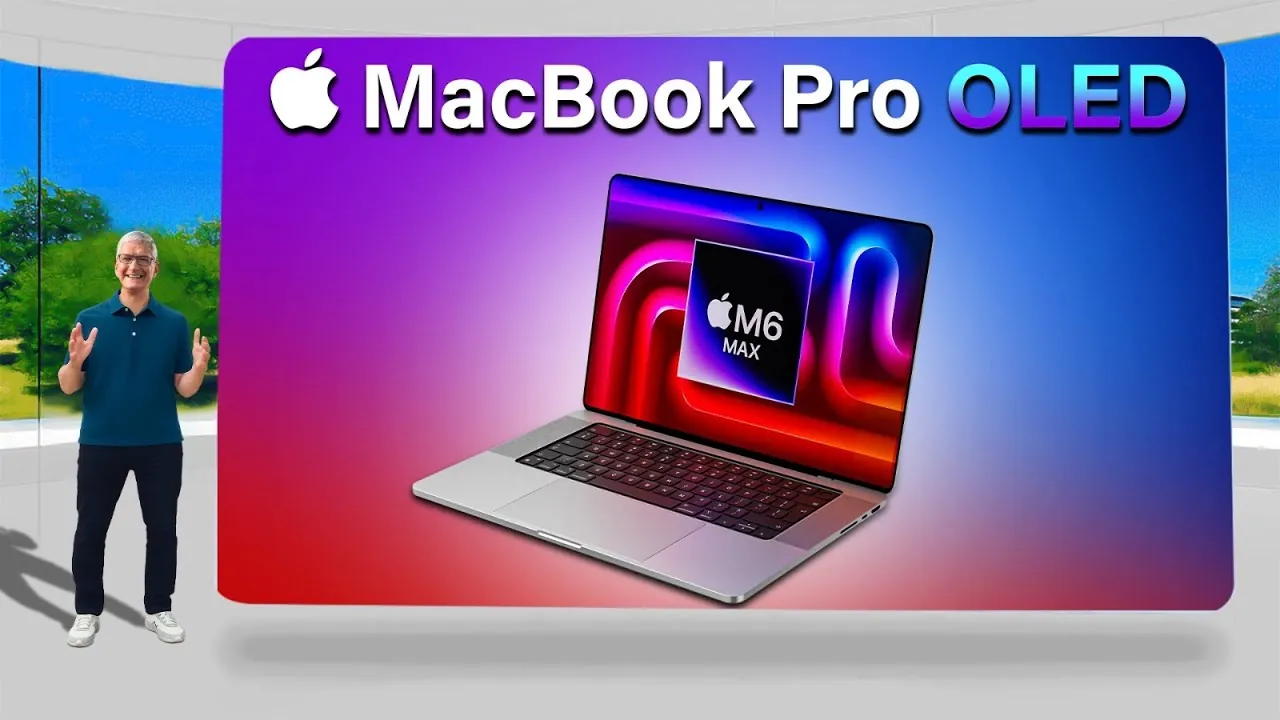
3 Best Gaming MacBooks In 2026 Macbook Air 13 Inch Gaming Laptop . Apple 2026 MacBook Lineup Features Specs And More Geeky Gadgets Apple 2026 Macbook Lineup Overview Optimized . Apple S 2026 MacBook Pro Everything We Know So Far The Mac Observer 2026 MacBook Pro Rumors 1024x538 . Apple S OLED MacBook Pro 2026 Everything We Know So Far Geeky Gadgets Oled Macbook Pro 2026 Display Leaks Optimized . Everything We Know About The 2026 OLED MacBook Pro Geeky Gadgets Macbook Pro Touchscreen Leak 2026.webp
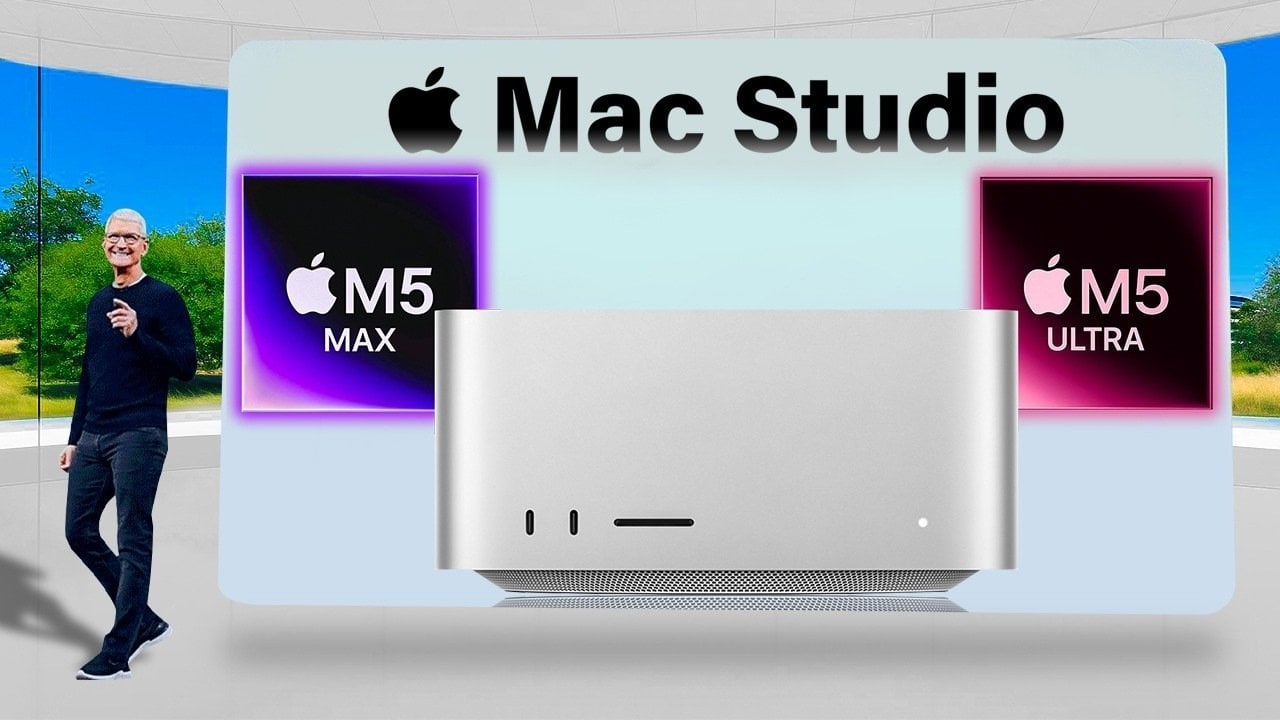
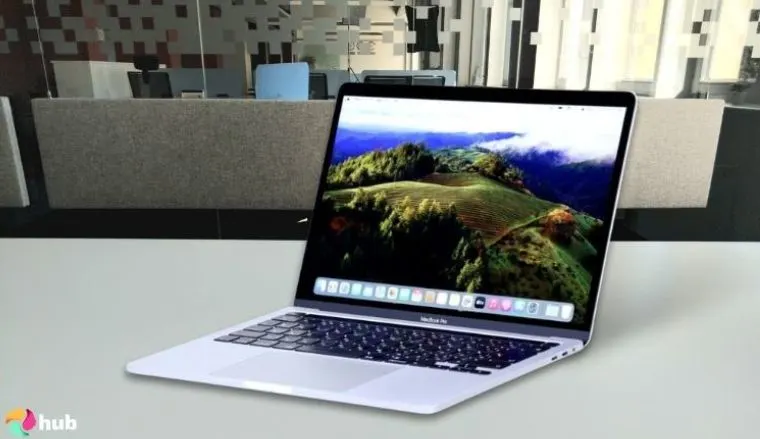
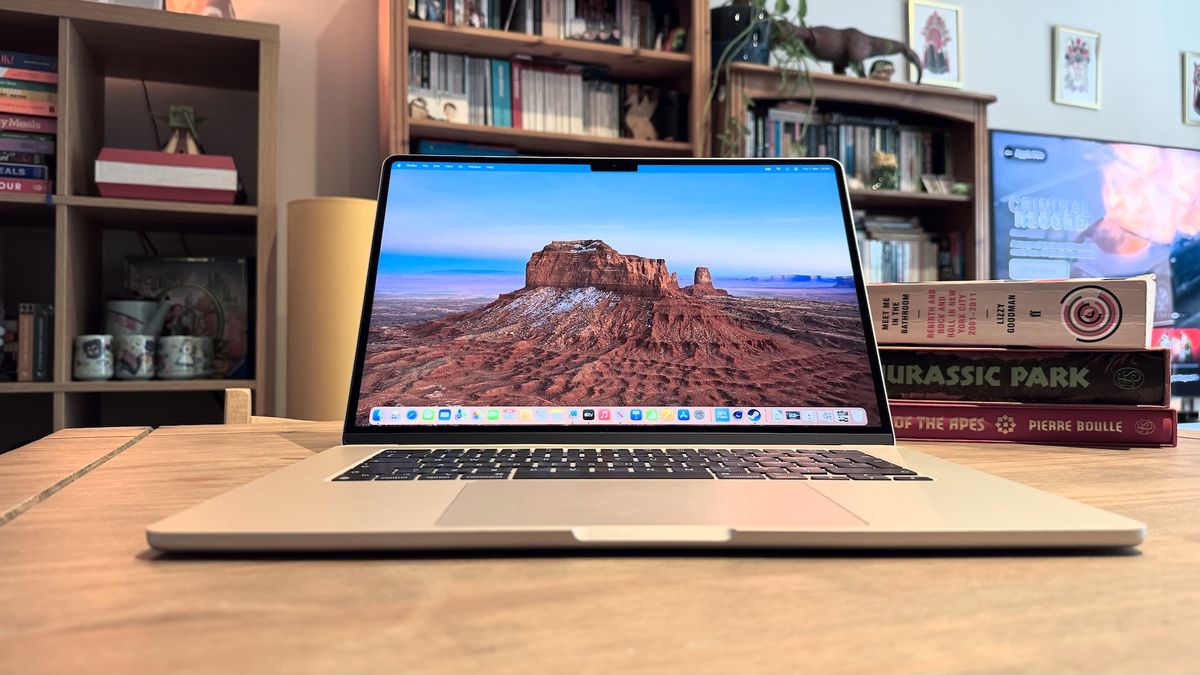
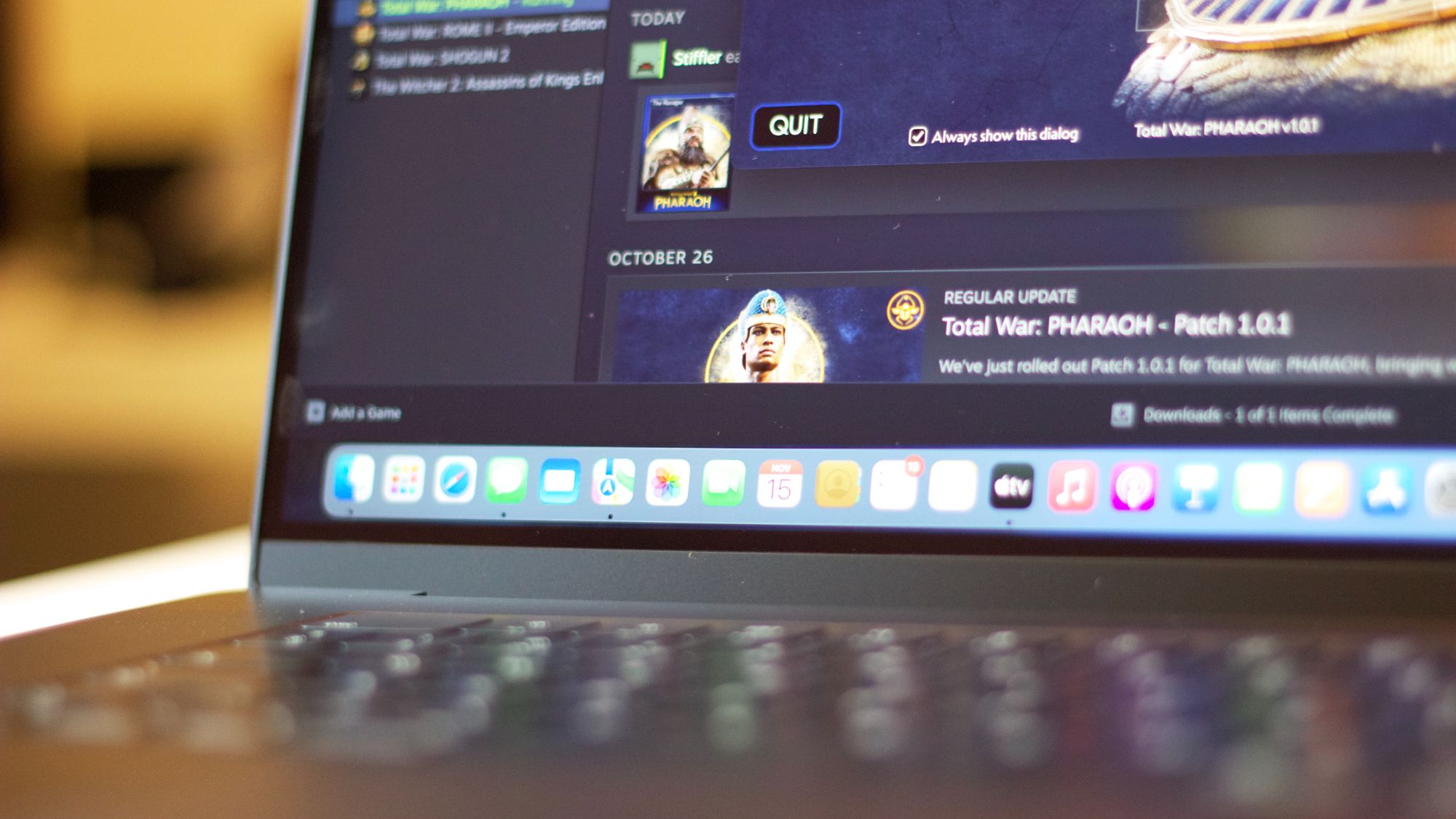
Mac Studio 2026 Specs Features And Pricing Explained Geeky Gadgets Mac Studio 2026 M5 Ultra Performance Optimized . Are Macs Good For Gaming Tech Edition Are Macs Good For Gaming . 7 Best MacBooks For Gaming In 2026 For You Eneba Hub Apple 2024 MacBook Pro M4 Pro Best MacBook For Gaming And Creative Work.webp. Best Gaming MacBook 2026 Portable Power For Optimal Performance IMore 1200 80 . Best Gaming MacBook 2026 Portable Power For Optimal Performance IMore 2000 80
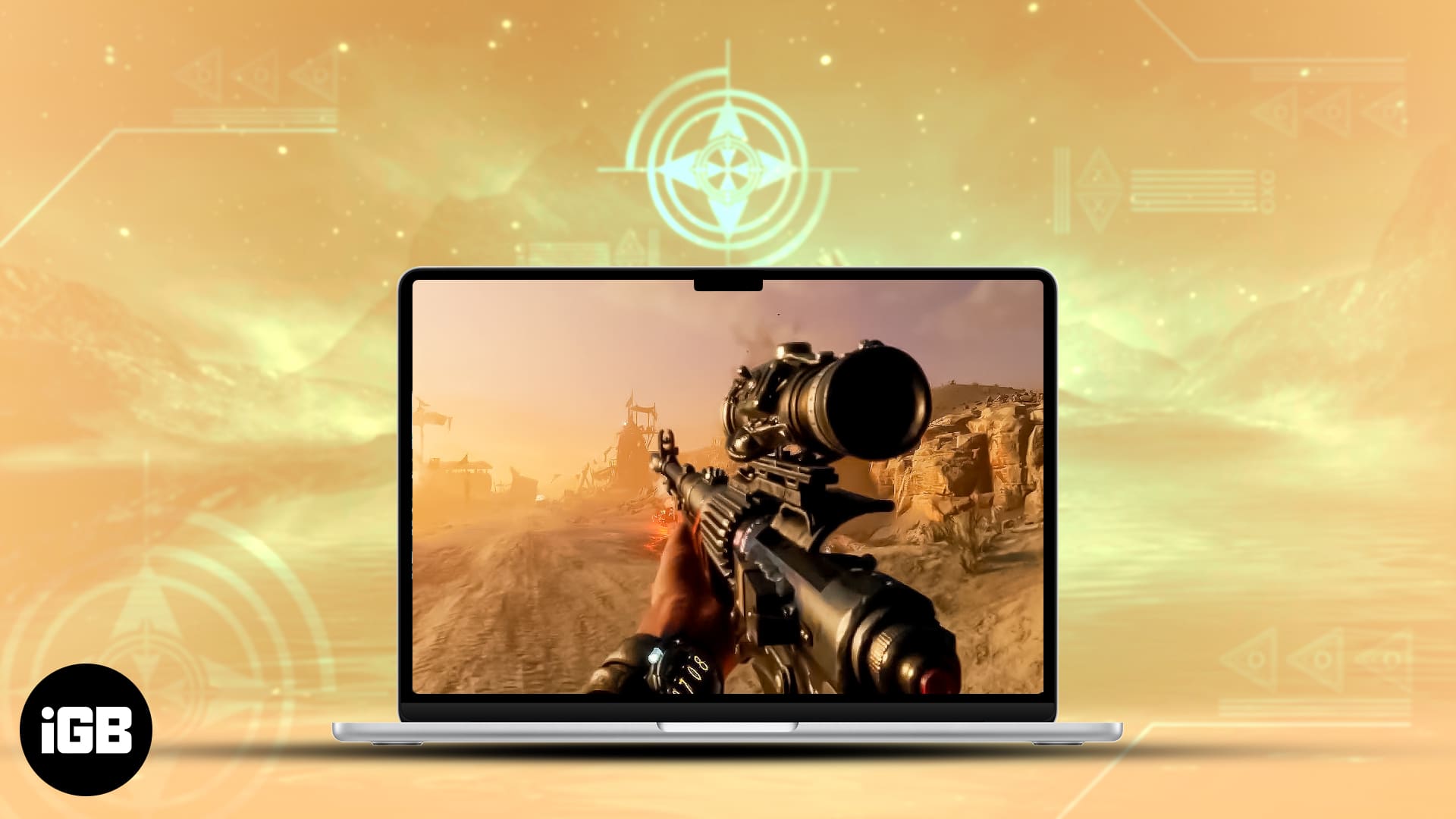


7 Best FPS Games For Mac In 2026 IGeeksBlog Best FPS Games For Mac . Best Gaming Laptops At CES 2026 RTX 5090 Options Dual Screen Picks Lenovo Legion Pro Rollable Concept. M5 MacBook Air 2026 Release Date Specs And Features Geeky Gadgets M5 Macbook Air 2026 Release Date And Specs.webp. 7 Best MacBooks For Gaming In 2026 For You Eneba Hub Best Macbook For Gaming 768x430 . Mac Good For Gaming Update 06 2026 Mac Good For Gaming Img


MacBook Neo 2026 Everything You Need To Know Apple MacBook Air M5 Sleek Design Main . Apple S 2026 MacBook Pro Roadmap M5 Pro Max In Spring M6 With OLED Apple MacBook Pro 2026 Roadmap M5 M6 OLED Touchscreen 20260126 193004 . Macs For Gaming Are They Worth It . Apple S Low Cost MacBook Set For A Spring 2026 Release Apple Low Cost MacBook 1 1920x1151 . Best Mac Games You Can Play In 2026 Macgames Org Ext 167 1778139235 300x167